The 8 Best AI Writing Tools for Gmail (2026)

AI writing tools promise to help people write emails faster, but speed is only part of the problem.
An email can be grammatically perfect and still land badly. It can be abrupt, vague or impersonal even when every sentence is correct. In a 2019 nationally representative study of over 14,000 employees, Gallup (2021) identified 72% of employees work on matrixed teams, spanning multiple teams or managers, so every message travels through more relationships before anyone actually reads it.
It's all about whether the recipient understands the message, the intention behind it and what needs to happen next.
Quick answer
If your email is basically ready but you're not sure how it'll land with a specific person, Harmony is built for that job specifically. It works inside Gmail and Outlook on drafts you've already written. If your main need is grammar and general clarity, Grammarly is the safest broad pick. If you're stuck facing a blank page, Gemini in Gmail gets you to a first draft the fastest.
This guide compares the best AI writing tools for Gmail based on:
- How well they preserve the sender's intent and voice
- Whether they consider the recipient, not just the wording
- Their support for tone, clarity and reducing misinterpretation
- How naturally they fit into Gmail
- Whether they support authentic communication instead of producing generic AI copy
- How much control the sender retains
One disclosure: Harmony is our product, and Unanimas publishes this guide. Every tool below, including ours, is measured against the same criteria and given a genuine limitation, not just a strength.
1. Harmony by Unanimas
Best for adapting emails to the recipient
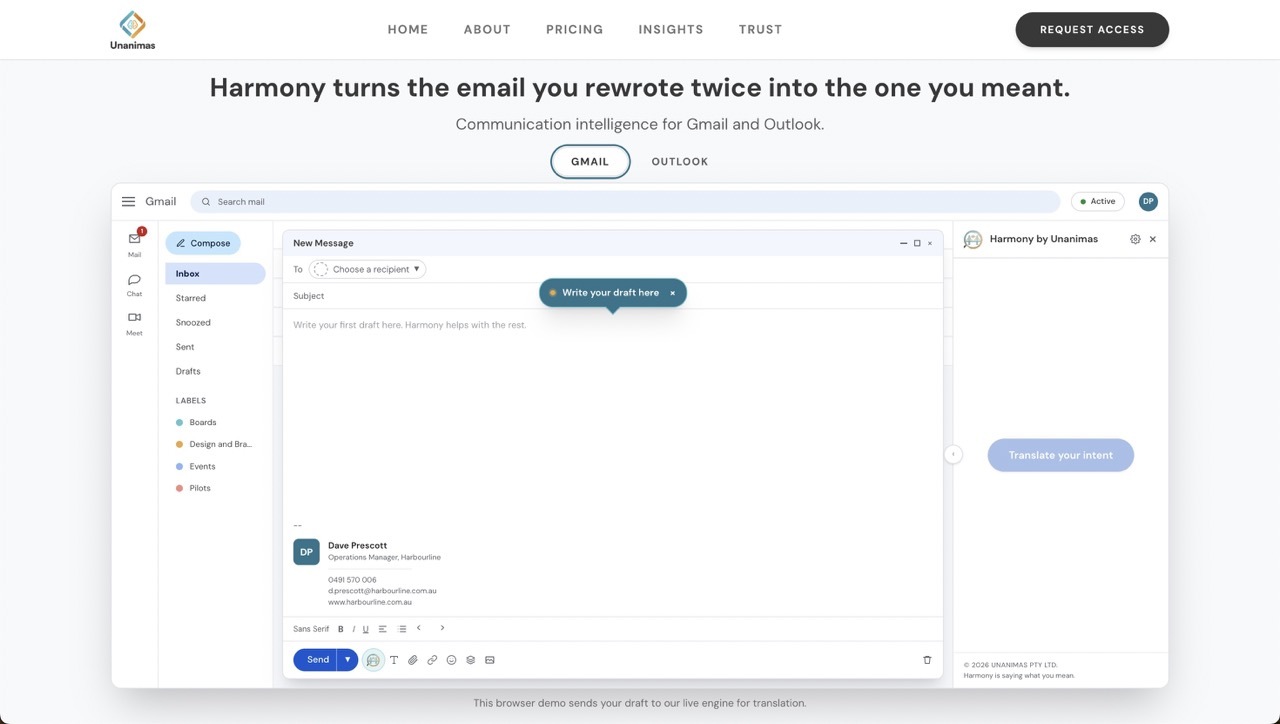 Harmony works inside Gmail and Outlook, without requiring a tab switch or a copy-paste step. You give it an email you've already drafted, and it rewrites how that message is likely to land for the specific person receiving it, adjusting the delivery while keeping your meaning and your own voice intact, rather than generating a new email from a prompt.
A grammatically clean email can still misfire with a particular reader, which is where most writing tools fall short. One recipient might want a blunt summary; another might need context before the ask. Because Harmony starts from what you've already written, it has less reason to flatten your writing into a generic register the way full generators tend to.
It won't help with a blank page, and it isn't built to produce a complete email from a short prompt. If your problem is starting from nothing rather than refining something you've drafted, this isn't the right tool for that specific job.
|
Best for |
Standout strength |
Main limitation |
|
Adapting an existing email to a specific recipient |
Communication intelligence preserves the sender's own voice while customising delivery to the recipient |
Doesn't generate complete emails from a blank prompt |
Learn more about Harmony for Gmail
2. Grammarly
Best all-round tool for clarity and polish
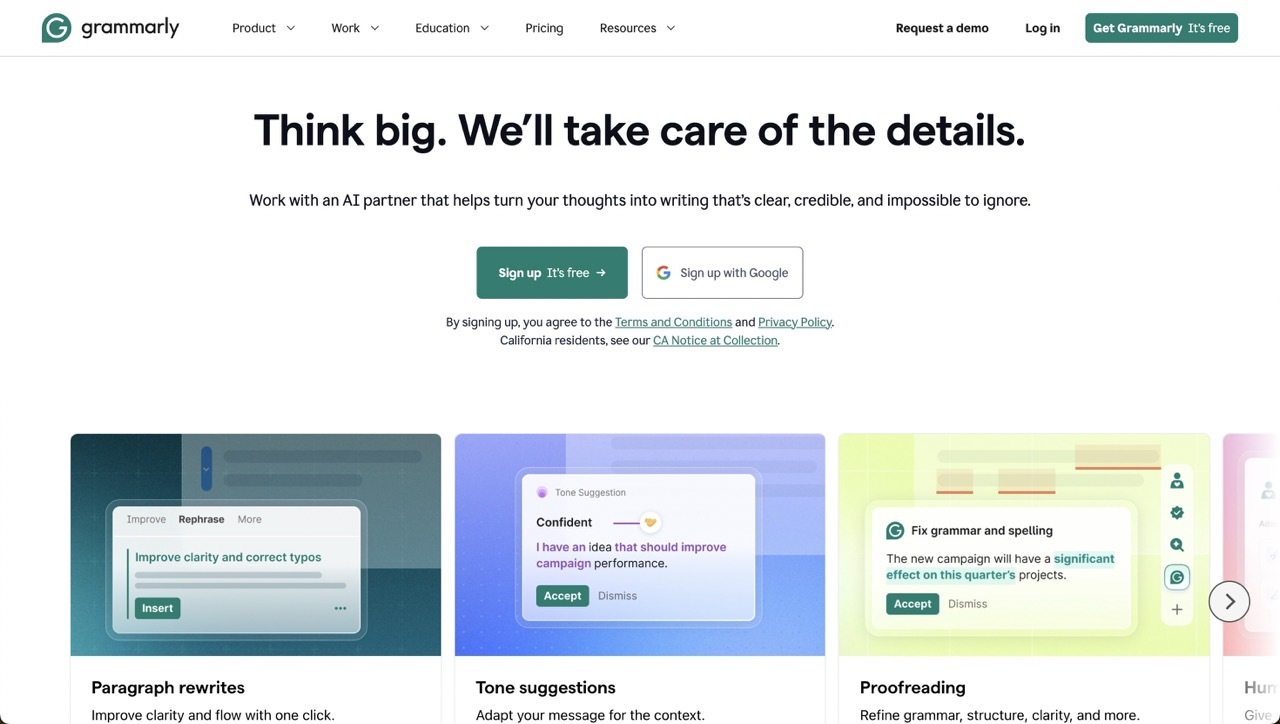 Grammarly works directly in Gmail, checking spelling, grammar, clarity and tone as you type. Its generative features can also draft replies, rewrite full passages and shift the tone of an existing message on request. The company says its tone detection is built to help a message land as the writer intended.
It catches small problems without requiring you to hand the whole email over to AI, and its tone flag can make you pause and reconsider wording before sending. That combination makes it a low-risk default for most day-to-day writing.
Its limitation is that it mainly evaluates the text on the screen. It can make a message clearer or friendlier, but it doesn't know whether that particular style suits the person receiving it, and leaning heavily on its rewrite suggestions can produce writing that's technically polished but a little flattened.
|
Best for |
Standout strength |
Main limitation |
|
Grammar, clarity and general polish across Gmail |
Tone detection that flags how a message might come across |
Evaluates the writing itself, not the specific recipient |
Learn more about Grammarly for Gmail
3. Gemini in Gmail
Best native Gmail writing assistant
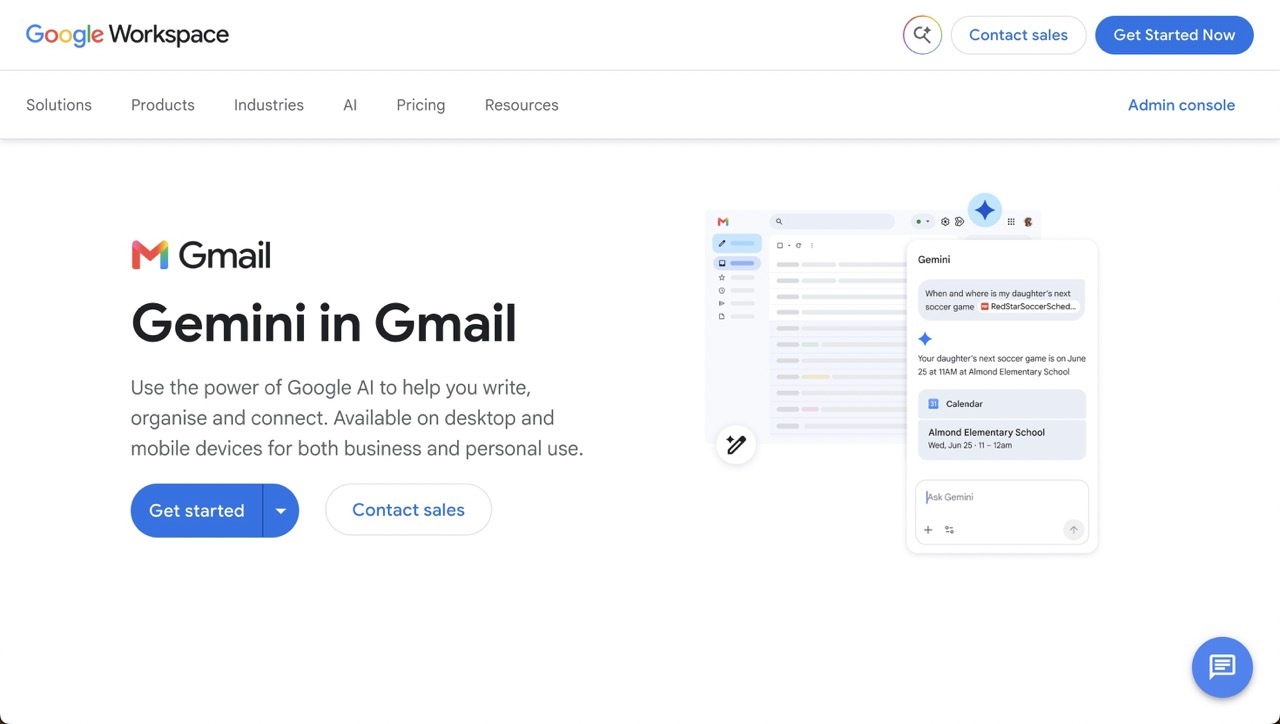 Gemini is built directly into Gmail for eligible Google accounts. Its Help Me Write feature drafts new messages and refines existing text for tone, length and clarity without leaving the inbox.
Because it sits inside Gmail's own interface, there's no extension to install and nothing new to learn. It's useful for summarising long threads, getting past a blank draft, and turning a few bullet points into something serviceable in seconds.
Its output can default to the same bland "professional" voice most general-purpose generators produce. Gemini helps you produce an email efficiently, but speed and communication quality aren't the same thing, and important messages still need your own judgement and context.
|
Best for |
Standout strength |
Main limitation |
|
Convenient, native email drafting for Google accounts |
No extension or new interface required |
Default output can read as generic professional language |
Learn more about writing emails with Gemini in Gmail
4. Wordtune
Best for exploring different ways to phrase something
 Wordtune's browser extension works across web applications including Gmail. It offers context-based rewrites, proofreading, and options to make a passage more formal, casual, concise or detailed.
It's useful when you know what you want to say but can't find the right phrasing. Offering several alternatives gives you more agency than tools that simply replace the whole message on your behalf.
It's still primarily a sentence-level rewriting tool. Changing one sentence from formal to casual doesn't make the email as a whole appropriate for the recipient, and rewriting individual sentences in isolation can leave the overall message feeling inconsistent in tone.
|
Best for |
Standout strength |
Main limitation |
|
Exploring alternative phrasing for a sentence or paragraph |
Multiple rewrite options rather than a single forced rewrite |
Works at sentence level, not the message as a whole |
Learn more about Wordtune for Chrome
5. MailMaestro
Best for generating complete replies quickly
 MailMaestro is an AI assistant built specifically for Outlook and Gmail. It generates new emails and replies inside the inbox, using the email thread and your instructions as context.
Its thread-aware drafting is more useful than pasting individual messages into a general chatbot, since it already has the surrounding context. That makes it a practical choice for anyone whose main problem is the sheer volume of email they need to answer.
The more of the message the tool generates, the more carefully you need to check whether the result actually reflects what you think and how you'd normally speak. It can cut writing time, but it shouldn't cut your ownership of what gets sent.
|
Best for |
Standout strength |
Main limitation |
|
Generating contextual replies quickly across a full thread |
Reads the whole thread rather than a single message |
Heavier editing needed to preserve your own voice |
6. Shortwave
Best for personalised writing and broader inbox management
 Shortwave is a Gmail-focused email client with AI writing, search and organisational features built in, rather than an extension layered on top of Gmail's own interface. Its AI can learn from emails you've previously sent and generate replies that reflect your style.
Learning your existing style gives it a better chance of producing emails that sound like you, which is more context than a basic writing extension can offer. It's a compelling option for anyone who wants AI woven through their whole inbox workflow, not just the compose box.
The downside is that it's more than a writing assistant. You're adopting a different interface for your Gmail account entirely, which is a bigger change than installing an extension. Learning your historical style can also preserve habits that weren't serving you well in the first place.
|
Best for |
Standout strength |
Main limitation |
|
Personalised writing plus broader inbox management |
Learns your sent-mail style rather than a generic default |
Requires switching to a different Gmail interface entirely |
7. Lavender
Best for thoughtful sales outreach
 Lavender is an AI email coach focused on sales emails. It scores drafts, suggests improvements and helps salespeople personalise messages for individual prospects, rather than generating a finished email outright.
Its focus on length, readability and personalisation encourages users to evaluate a draft rather than just generate one and send it, which can make cold outreach noticeably more considerate of the person on the other end.
It's optimised for replies and pipeline, not necessarily for trust, nuance or long-term understanding, which reflects a fairly commercial definition of a good email. That makes it a specialist tool rather than a fit for everyday internal or interpersonal communication.
|
Best for |
Standout strength |
Main limitation |
|
Sales outreach and response optimisation |
Scores and coaches a draft before you send it |
Built around commercial reply rates, not general communication |
Learn more about Lavender's Email Coach
8. WriteMail.ai
Simplest option for straightforward email drafting
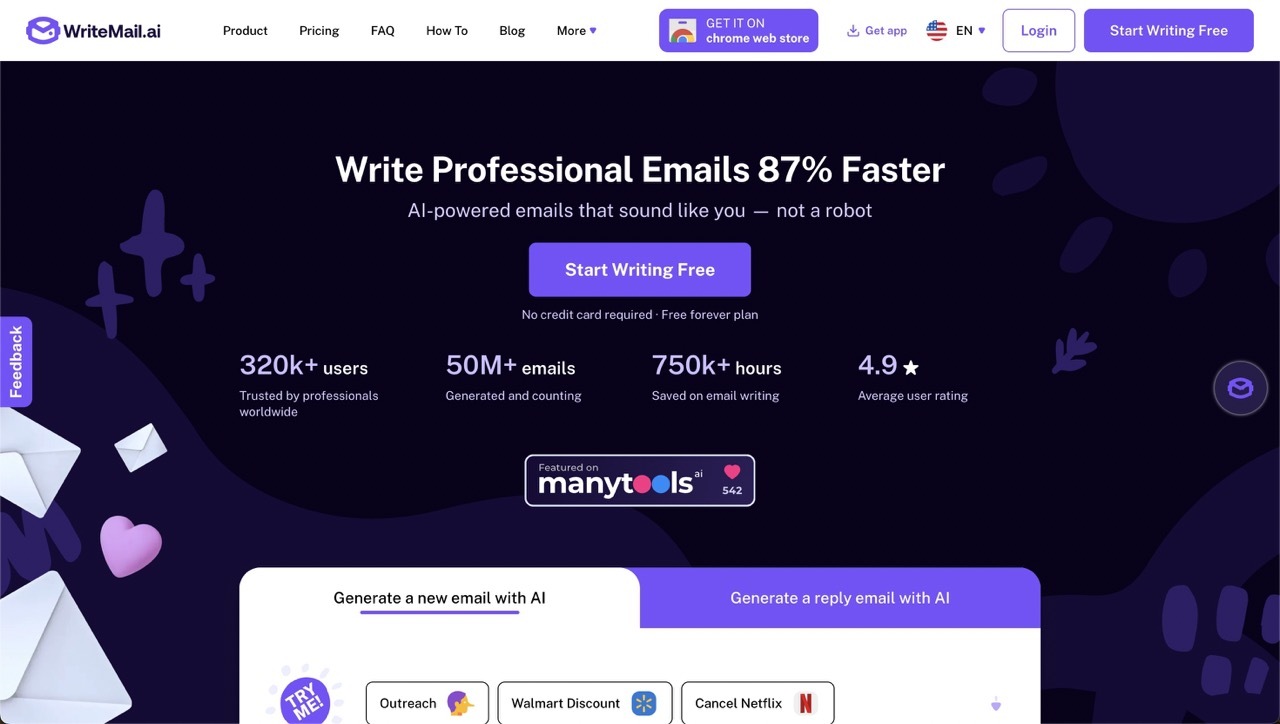 WriteMail.ai is a Gmail extension for generating emails, drafting replies, and adjusting tone or length. It's designed to make AI-assisted email drafting simple rather than feature-heavy.
Its controls are simple enough that it doesn't feel like learning a new platform, which makes it useful for routine messages and for people who regularly struggle to turn a rough intention into a properly structured email.
Its emphasis is largely on speed and polish, so like other full-draft generators, the output can sound acceptable without sounding particularly personal. It's best suited to low-risk, repeatable messages rather than emotionally sensitive or strategically important ones.
|
Best for |
Standout strength |
Main limitation |
|
Simple, low-effort email generation |
Low learning curve, no new workflow to adopt |
Less suited to sensitive or complex communication |
Learn more about WriteMail.ai for Gmail
What Makes a Good AI Email Writing Tool?
AI email tools generally fall into three categories:
|
Tool type |
What it improves |
Main limitation |
|
Email generators |
Speed and structure |
Can replace the sender's voice |
|
Writing editors |
Grammar, tone and clarity |
Usually judge the text without knowing the recipient |
|
Recipient-aware tools |
How a message is likely to land |
May not generate complete emails from scratch |
The right choice depends on which problem you actually have.
Grammarly is a strong choice for general writing quality. Gemini offers the most convenient native Gmail experience, if your account and plan support it. MailMaestro can help you draft high volumes of replies, while Lavender is built specifically for sales outreach.
Harmony stands out when the goal is customising an existing message for the person receiving it, without losing your own voice in the process.
How the Tools Compare
|
Tool |
Best for |
Standout strength |
Main limitation |
|
Harmony |
Adapting an existing email draft to a specific recipient |
Communication intelligence preserves the sender's own voice while customising delivery to the recipient |
Doesn't generate complete emails from a blank prompt |
|
Grammarly |
Grammar, clarity and general polish |
Tone detection that flags how a message might come across |
Evaluates the writing, not the specific recipient |
|
Gemini in Gmail |
Convenient, native email drafting |
No extension or new interface required |
Default output can read as generic |
|
Wordtune |
Exploring alternative phrasing |
Multiple rewrite options rather than a forced rewrite |
Works at sentence level, not the whole message |
|
MailMaestro |
Generating contextual replies quickly |
Reads the whole thread for context |
Heavier editing needed to preserve your voice |
|
Shortwave |
Personalised writing and inbox management |
Learns your sent-mail style |
Requires switching your Gmail interface entirely |
|
Lavender |
Sales outreach and response optimisation |
Scores and coaches drafts before sending |
Built around commercial reply rates |
|
WriteMail.ai |
Simple, low-effort email generation |
Low learning curve |
Less suited to sensitive or complex messages |
Where AI Shouldn't Write the Email
None of these tools should be handling the full drafting job for legal matters, medical information, formal HR processes, disciplinary communication, redundancy or termination notices, financial instructions, confidential information, or emotionally sensitive personal messages.
Anywhere exact factual or contractual wording matters, AI assistance should tighten what you've already decided to say, not decide it for you. Check facts, keep responsibility for the message, and read the final version before you send it.
FAQs: Best AI Writing Tools for Gmail
Does Gmail have a built-in AI writing tool?
Yes. Gemini is integrated into Gmail for eligible Google accounts through the Help Me Write feature, though the depth of access depends on your account type and subscription.
Can AI adapt an email to the person receiving it?
Yes, to varying degrees. Harmony is built specifically around this, as it takes a draft you've already written and adjusts how it's likely to land for a specific recipient, while keeping your own wording and intent central. A couple of other tools get partway there. Shortwave learns your sent-mail style, which shapes how a message sounds but not how a particular recipient might read it, and Lavender scores and personalises sales messages for individual prospects, though it's built for outreach rather than everyday email. Most AI writing tools evaluate the message on the screen without considering who's on the other end, while Harmony uses communication intelligence to serve as the intent layer for workplace communication.
What is the best free AI email writer for Gmail?
Grammarly's free plan is the most broadly useful at no cost, covering grammar, spelling and basic tone suggestions with a capped monthly AI allowance. WriteMail.ai and Lavender also offer usable free tiers for lighter needs.
Can AI preserve my writing style?
Some tools try. Shortwave learns from your sent emails to mimic your style, and Harmony works from your own draft rather than generating one from scratch, which keeps more of your original voice intact by design. Full-generation tools like Gemini or WriteMail.ai are more likely to produce a generic professional tone unless you edit their output.
Are AI email assistants safe to use with sensitive information?
It depends on the tool and what you're sending. Check each vendor's data-handling and security documentation before using an AI assistant with confidential or regulated content, and avoid pasting sensitive material into any tool without first understanding how that data is stored or used.
What's the difference between an AI email writer and a communication intelligence tool?
An email writer generates a message from a prompt or a thread. A communication intelligence tool like Harmony starts from something you've already written and adjusts how it's likely to land for a specific reader, while keeping your original meaning intact.
Choosing the Right Tool for You
The best AI writing tool isn't necessarily the one that writes the most or produces an email fastest. It's the one that helps you communicate what you actually mean, clearly enough that the recipient doesn't have to guess.
If your main problem is grammar and polish, Grammarly is the safest broad choice. If you already live inside the Google ecosystem, Gemini is the most convenient. If you're drowning in reply volume, MailMaestro or Shortwave will save you more time. If cold outreach is your job, Lavender is built for that specifically.
If your problem isn't writing the email but making sure it lands the way you meant it to with a particular person, that's a narrower and different problem, and it's the one Harmony is built around. If that sounds like your situation, you can try Harmony inside Gmail or Outlook to see how an existing message might read differently for a different recipient.