How to Make AI Emails Sound More Human in 7 Simple Steps (2026)
- Email writing
By Dorian Detragiache (LinkedIn, opens in a new tab)10 min read
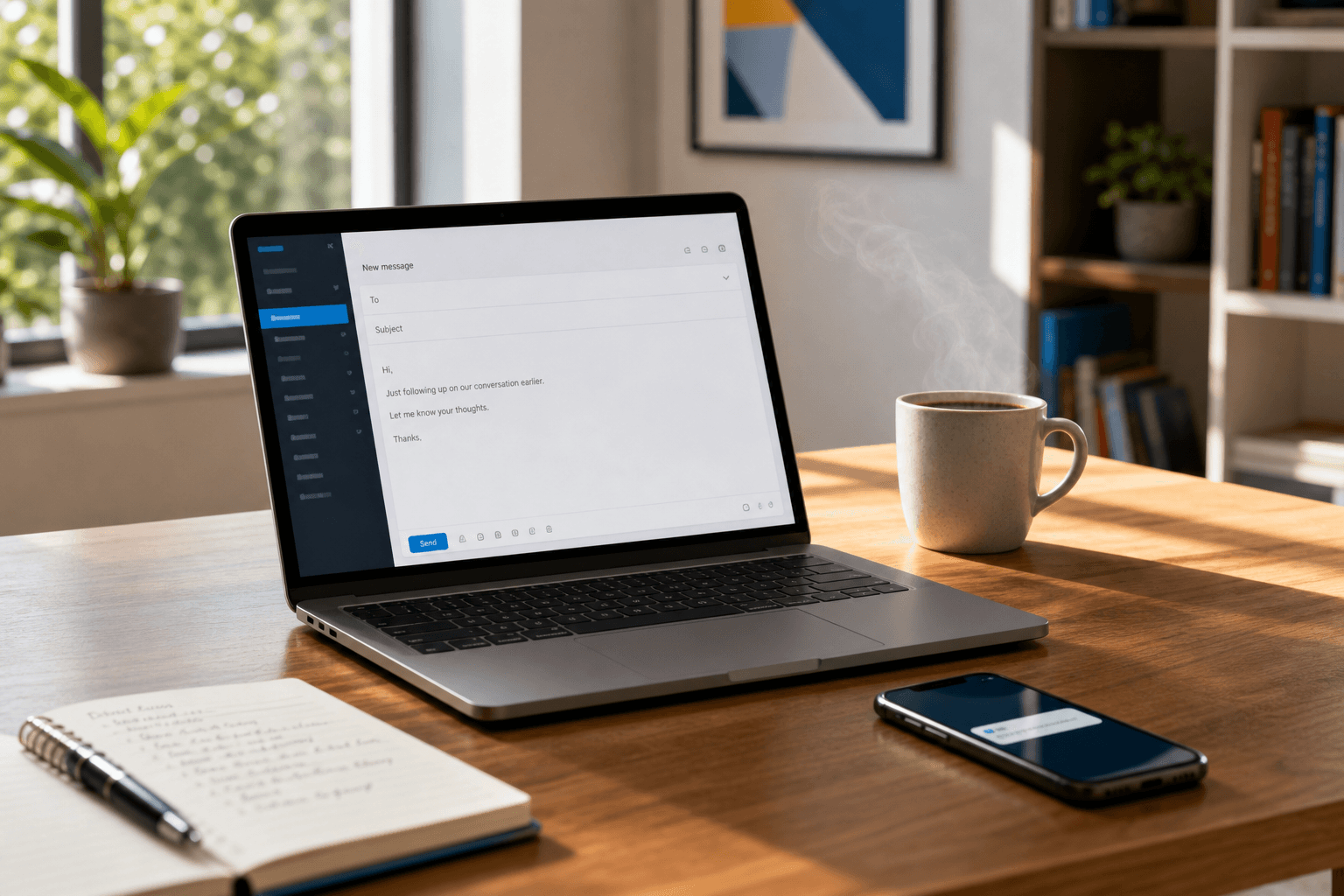
I used to waste thirty minutes staring at a single email. Not writing it. Rewriting it. Trying to make a draft that started clear somehow feel like something a human would actually send, and more importantly that the recipient would understand. If you've ever read your own AI-generated email or templated follow-up and thought, "This sounds like everyone else," you're not alone. The good news is the fix isn't complicated. It's about giving AI better inputs so your messages arrive the way you meant them.
This guide takes you through seven practical steps to turn generic AI drafts into emails that sound like you. Personalisation, better tone control, messages that other want to read and action.
Quick Guide: How to Make AI Emails Sound More Human in 7 Easy Steps
- Feed the AI your own writing samples - Paste two or three of your previous emails so the AI can understand your natural voice and cadence.
- Add valuable context about your recipient - Include details like recent interactions, their role, or a shared project to make your message feel personal.
- Set clear tone instructions - Tell the AI precisely how you want to sound: warm, direct, casual, or professional.
- Remove robotic filler phrases - Ban overused openers like "I hope this email finds you well" that indicate automation.
- Translate intent using a tool like Harmony by Unanimas - Let a purpose-built tool convert your raw thoughts into messages that arrive clearly the first time.
- Review for emotional nuance - Read your draft aloud and check whether the tone matches what you'd say to a friend, colleague, or manager.
- Add one specific human detail - Include a reference only you would know: a recent conversation, a shared deadline, or something personal if the relationship allows .
How to Turn Generic AI Emails Into Human-Sounding Messages
1. Feed the AI Your Own Writing Samples
The fastest way to make AI sound like you is to show it how you already write. Paste two or three previously sent emails into the prompt and tell the AI to summarise and match that style.
This approach help the AI understand your writing patterns, and patterns are how an AI learns. When you give it examples of your sentence length, word choices, and tone, the output changes almost immediately. You're not asking the AI to guess your voice anymore. You're showcasing it.
Save a small library of your best emails and reuse them across different prompts. One set for client updates. Another for internal check-ins. The more specific you get, the more consistent your results become.
2. Add Specific Context About Your Recipient
There's an old saying my grandfather used to use: "A bad worker always blames their tools". When you ask an AI to "write a follow-up email," it fills the blanks with the most common phrases it knows. That's why every email can end up sounding identical.
Instead, give the AI real context. Mention what the recipient is working on. Reference your last conversation. Include their name and role. Tell the AI what outcome you're hoping for.
The estimated $12,500 cost of miscommunication per employee each year often comes from messages that miss the mark. Specificity can reduce that risk. When your email references something only you and the recipient would know, it becomes harder to dismiss it as auto-generated.
3. Set Clear Tone Instructions
AI defaults to neutral. Without direction, your emails will sound polished, but flat. One solution is to tell the AI how you want to come across.
Try instructions like: "Write in a warm but direct tone. Use short sentences. Sound confident, not aggressive." Or: "Keep this casual, like I'm checking in with a colleague over coffee."
Tone instructions act like guardrails. They keep the AI from defaulting to corporate speak or sounding overly formal when you need something human. If you're unsure what tone fits, think about how you'd say the same thing out loud. Then dictate or describe that to the AI.
4. Remove Robotic Filler Phrases
Certain phrases instantly indicate that an AI wrote your email. "I hope this email finds you well." "I wanted to reach out." "Please don't hesitate to contact me." These patterns appear because they're statistically common in training data.
Build a list of phrases to ban. Tell the AI: "Don't use 'I hope this email finds you well,' 'in today's market,' or 'I wanted to reach out.'" When you block the clichés, AI has to work on alternatives.
Unanimas approaches this differently. Instead of making you play prompt engineer, Harmony translates your raw intent into a message that arrives in the inbox clearly. You type what you're actually thinking, and it handles the rest. No filtering through stiff outputs.
5. Translate Intent Using a Purpose-Built Tool
Most AI tools ask you to become a prompt expert. You spend time coaching, training, and rewriting robotic outputs. That's backwards.
Harmony by Unanimas works from inside Outlook and Gmail. You write your draft the way you'd naturally think it. Harmony translates your intent into language your recipient can actually hear. There's no twenty questions. No homogenising your voice.
The difference is fundamental. Chatbots generate content. Harmony translates meaning. Your message stays yours, it just arrives the way you meant it.
6. Review for Emotional Nuance
AI often misses the subtle emotional cues that makes communication feel human. A message can be technically correct but emotionally off. Too formal for a peer or too casual for a new client.
Read your draft out loud before sending. Does it sound like something you'd actually say? Would the recipient recognise your voice? If not, adjust. Add a note of warmth, soften a demand or acknowledge something personal.
According to researchers at UC Irvine, it takes 23 minutes to regain focus after a digital interruption. Every email that creates confusion or requires clarification can cost more than the minutes it takes to send. Getting the emotional register right the first time saves everyone time and energy.
7. Add One Specific Human Detail
This is the step that separates cringe emails from a memorable one: add something only you would know.
You could reference a conversation you had last week or follow-up on something the recipient mentioned. Mention your connection to a shared project or deadline. These details prove the message came from a person who was listening.
AI can't fake this part. It doesn't have access to your relationship history or the context of your work together. When you add a specific, verifiable detail, you ground the entire email in reality. That single effort often does more than the rest of the message combined.
What Makes AI Emails Sound Robotic in the First Place?
AI learns from patterns. When trained on billions of emails, it produces the statistical average of all of them. Safe phrasing, neutral tone. The most common threads are repeated across millions of messages.
This creates three predictable problems.
-
Sameness: every AI email begins to sound like every other AI email because they're all extracting from the same dataset.
-
Filler: without full context, the AI defaults to the most common words and sentences it knows.
-
Emotional flatness: AI doesn't understand what goals you're aiming to accomplish or how the recipient might feel.
The root cause is often the input. When prompts lack context, tone guidance, and personal voice samples, the output defaults to corporate average. Every email dressed in the same beige suit. Better inputs produce better results every time.
How Do Recipients Know When an Email Was Written by AI?
People can sense a template even when they can't name exactly why. The signs are subtle but consistent: overly formal language, perfect grammar that feels forced, and generic phrasing that could apply to anyone.
Watch for these warning signs in your own drafts:
- Sentences that all start the same way
- Openings that feel rehearsed rather than natural
- Missing context about your actual relationship with the recipient
- A tone that doesn't match how you'd speak in person
- Phrases like "Just wanted to check in" or "what are you most focused on right now"
In a business built on trust, sounding like a template is the fastest way to erode credibility. When clients or colleagues sense that a message isn't really from you, it degrades the relationship you've worked hard to build.
How Unanimas Helps Your AI Emails Arrive the Way You Mean Them
Unanimas built Harmony because we've seen the cost of miscommunication firsthand. Capable, well-intentioned people stalling on a follow-up email that should take four minutes. Drafts sitting in outboxes because the sender can't quite get the tone right. Mental energy burned on admin instead of meaningful work.
Harmony lives natively inside your M365 Outlook client or Gmail inbox. There's no new platform to learn and no context-switching to distract you. You type out the email you've been meaning to send, the one that's been sitting in your head and Harmony translates your intent into a message your recipient can actually hear and act on.
We don't ask you to become a prompt engineer or spend hours in training on a new system. You write what you're thinking and Harmony takes care of the rest. Your voice stays yours, and the recipient feels considered.
Most AI tools promise data sovereignty. Unanimas goes further with Data Serenity™. All identifying information is sanitised before reaching our translation engine and we never train our models on your email drafts. What you write stays with you. Request access and see what it means to communicate without second-guessing every word.
FAQs About How to Make AI Emails Sound More Human in 2026
Why do AI-generated emails all sound the same?
AI learns from billions of examples, so it produces the statistical average. Without your voice and real context, it fills gaps with the most common words and sentences. Unanimas built Harmony to solve this by translating your raw intent instead of generating average content.
What's the fastest fix for robotic AI email tone?
Paste two or three of your own sent emails into the prompt and tell the AI to match that style. Your word choices and sentence rhythm become the model. Alternatively, Harmony by Unanimas handles this automatically by translating your intent directly.
Which phrases should I tell the AI to avoid?
Ban common filler: "I hope this email finds you well," "I wanted to reach out," "in today's market," and "please don't hesitate to contact me." These fingerprints identify automation immediately and make your message forgettable.
Can AI really sound like me if I give it better instructions?
Yes. The quality of AI output depends entirely on input quality. When you feed it voice samples, specific context, and clear tone instructions, the result shifts dramatically. Unanimas takes this further by not requiring prompt engineering at all.
How does personalisation improve email reply rates?
Specific, contextual emails aren't dismissed as auto-generated. When your message references something only you and the recipient would know, engagement increases. Teams using proven AI-driven personalisation report higher reply rates and faster response times.
What makes Harmony different from AI writers and LLMs for emails?
LLMs require you to rework prompts and outputs over multiple iterations. Harmony by Unanimas works from inside Outlook and Gmail, translating your intent into clear messages without rewriting generated outputs. You type what you're thinking, and Harmony says what you mean.
Is it possible to over-personalise an AI email?
Focus on details that directly affect how the message should be written: recent interactions, the recipient's situation, and the outcome you want. Skip irrelevant personal or professional details that don't influence the communication.